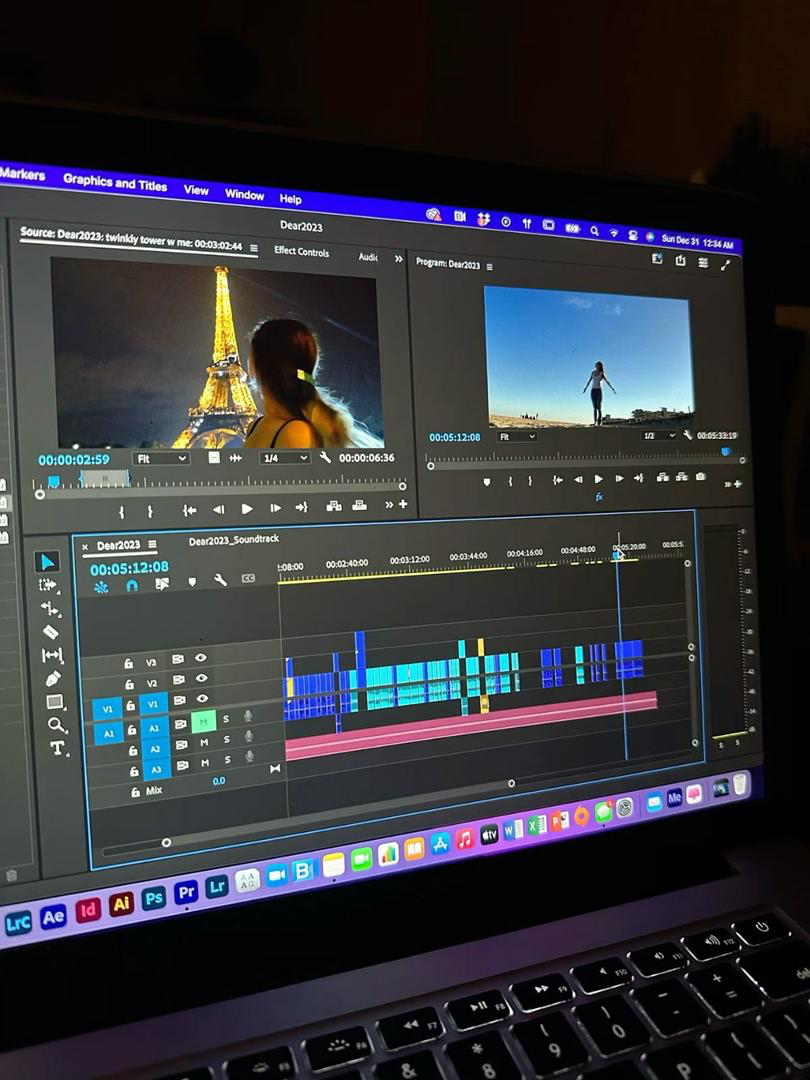
Okay, real talk: Editing podcasts used to feel like pulling teeth for me. I’d record an episode full of energy, then spend hours in Audacity scrubbing through waveforms, trying to cut out “ums,” silences, and those awkward tangents that sounded great in the moment but bombed on playback. Half the time, I’d just publish the raw mess because who has the energy? Then I stumbled onto Descript, this AI-powered editor that treats audio (and video!) like a Google Doc. Delete a word in the transcript? Poof, it’s gone from the audio too. No more timeline dragging. I gave it a shot on my last three episodes, and suddenly editing went from a dreaded chore to… kinda fun? If you’re a podcaster buried in raw files, a YouTuber repurposing clips, or anyone creating spoken content without a pro studio, Descript might just rescue your sanity. Here’s what I learned after diving deep, no fluff, just the stuff that actually mattered to my workflow.
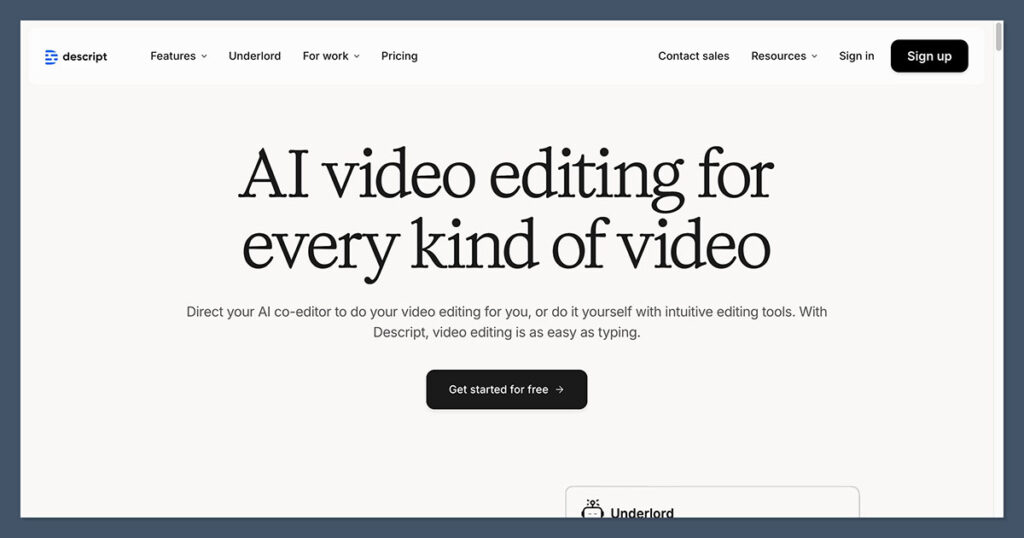
Descript’s been around since 2017, but the 2025 updates (hello, Underlord AI and better voice tools) have turned it into a beast for creators who hate traditional editing. Upload or record your file, and it transcribes everything with scary-good accuracy, 95%+ for clear English speakers across 25+ languages. Then the magic: Edit the text, and the media updates instantly. Cut a rambling section? Seamless. Rearrange paragraphs? Done. I fixed a flubbed sponsor read by typing a correction and using Overdub (their voice cloning) to regenerate it in my exact tone. No re-recording needed. For video podcasts, it handles screen shares, captions, and even eye contact fixes if you’re reading notes off-camera.
The interface feels like a word processor met a DAW and had a baby, script on one side, preview on the other, timeline at the bottom for fine tweaks.
The Features That Blew My Mind (And Saved My Episodes)
After testing on real projects, here’s what stood out:
- Text-Based Editing Magic: The killer feature. Transcript appears instantly, searchable and editable. Delete “you know” fillers in one click (or bulk-remove all). I shaved 40 minutes off a 60-minute edit just by slashing text.
- Overdub Voice Cloning: Record a short sample (now quicker, ~60 seconds), and create an AI version of your voice. Fix mistakes, add intros/outros, or rewrite lines without hitting record again. Ethical note: You control access, and it’s consent-based.
- Studio Sound & Noise Removal: One-click turns laptop mic mush into studio crisp, removes echoes, boosts clarity. Eye contact AI subtly adjusts your gaze for pro vibes.
- Filler Word & Silence Zap: Auto-detects “ums,” pauses, repeats. Custom lists too. Perfect for conversational pods.
- Remote Recording & Clipping: Built-in studio for guests (up to 4K), auto-transcribes, then clip highlights for socials with captions.
- Underlord AI Helper: Newish co-pilot, ask it to “shorten this intro” or “add b-roll suggestions,” and it does the grunt work.
G2 rates it 4.6/5 from hundreds, with podcasters loving the time savings: “Halved my editing hours” is common.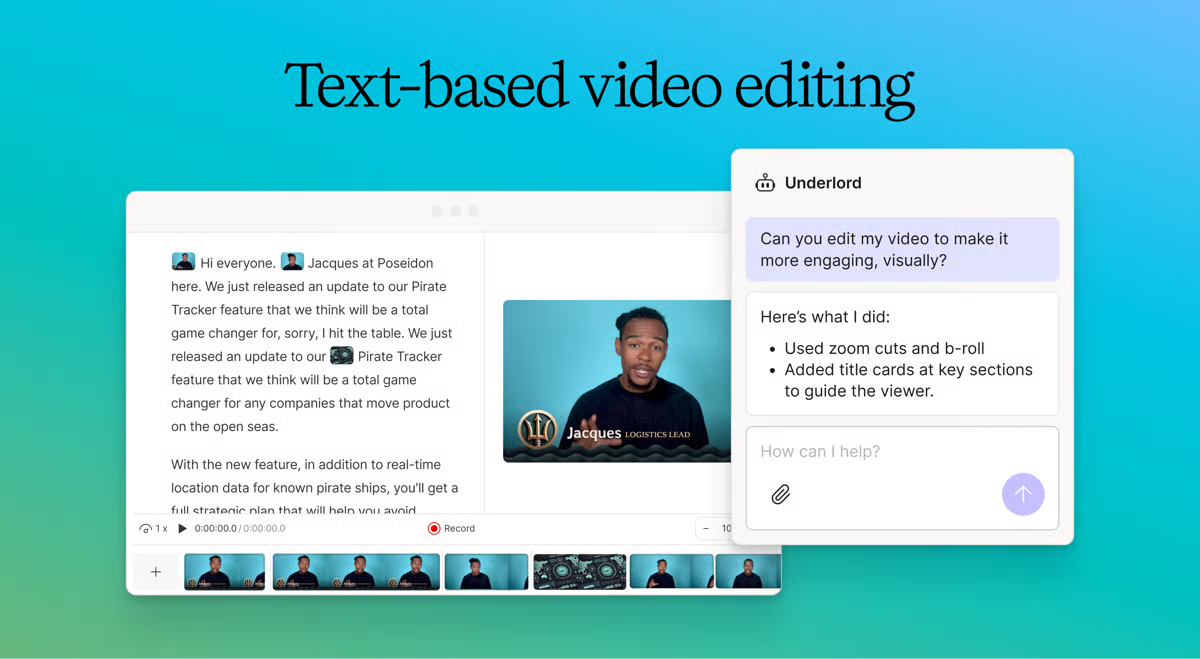
The Honest Gripes (Because It’s Not Perfect)
Descript shines for dialogue-heavy stuff, but glitches happen. Transcription falters on heavy accents/noisy rooms (drops to 80-85%), needing manual fixes. Overdub sounds natural but can glitch on emphasis or emotions, great for corrections, not full scripts. Updates sometimes break workflows (Trustpilot complaints about sudden changes), and it’s pricier than basic tools. Video features lag behind Premiere for complex effects, and no unlimited free tier, hours cap quick.
Learning curve? Steep if you’re timeline-native, but tutorials help. Some call it buggy on long files.
Pricing: Solid Value If You Create Often
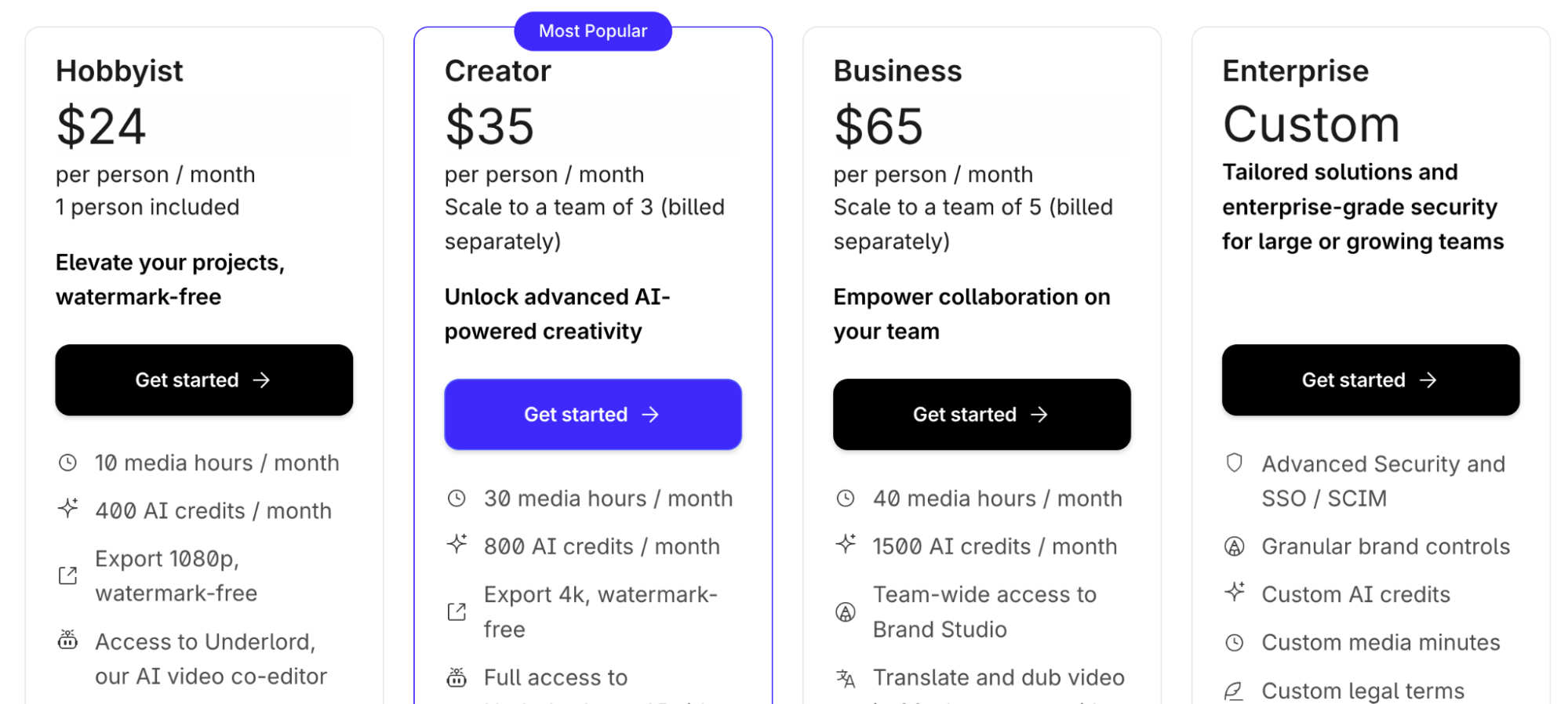
Free: 1 hour transcription/month, watermarks, basics, great test.
- Creator: $35/month, 30 hours, HD exports, Overdub.
- Business: $65/month,40 hours, advanced AI, team collab.
- Enterprise: Custom, security extras.
Annual saves ~20-30%. For 4+ episodes/month, Creator pays off fast.
Who This Is For (And Who Might Skip)
Podcasters (solo or interview), YouTubers clipping talks, educators making lectures, marketers churning demos, anyone editing spoken content. Teams love collab comments. Skip if you’re pro video editor needing layers/effects (try CapCut/Adobe), or budget-zero (Audacity’s free).
Verdict: 9.2/10 – My New Go-To Editor
Descript didn’t just speed things up; it made creating feel creative again, not tedious. The AI handles drudgery, letting me focus on story. Minor quirks aside, it’s a must-try for spoken creators. Grab the free plan, import an old episode, delete some fillers, and feel the difference. You might never go back.
What’s your biggest editing headache, transcription or cuts? Drop it; Descript might zap it.
About the Author