Let’s be real, most of us spend way too many hours in meetings, then another 20 minutes afterwards trying to remember who said what and what the hell we’re supposed to do next. I used to be the person with the frantic notepad, half-listening while scribbling gibberish. Then I started using Fireflies.ai about four months ago, and it legitimately feels like I hired the world’s most attentive assistant who never blinks, never gets bored, and actually understands context.
I’ve run it on everything from client sales calls to internal brainstorms to 1-on-1s with my team. Over 10 meetings later (mostly Zoom and Google Meet), here’s the no-BS breakdown.
How It Actually Works in Real Life
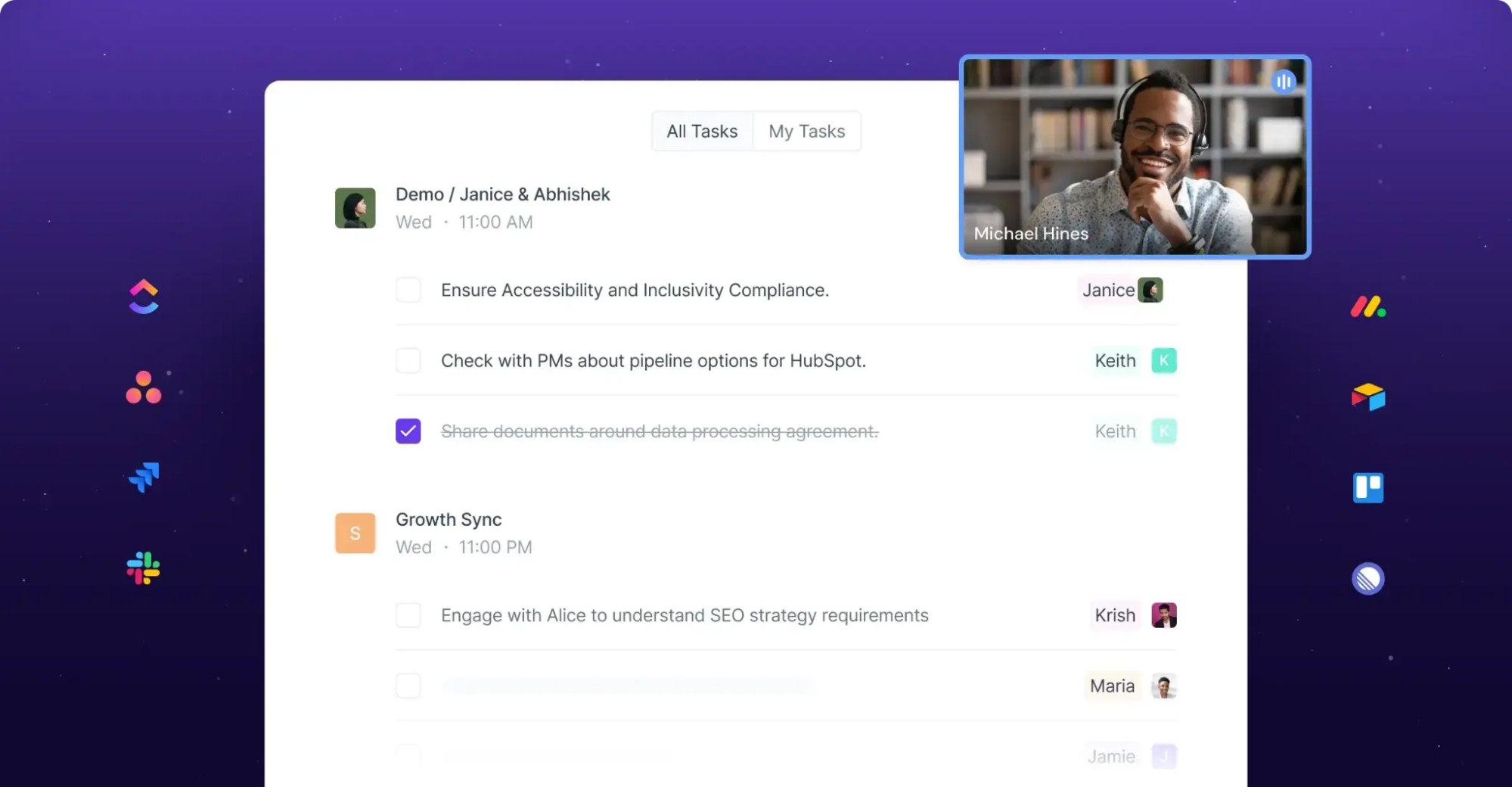
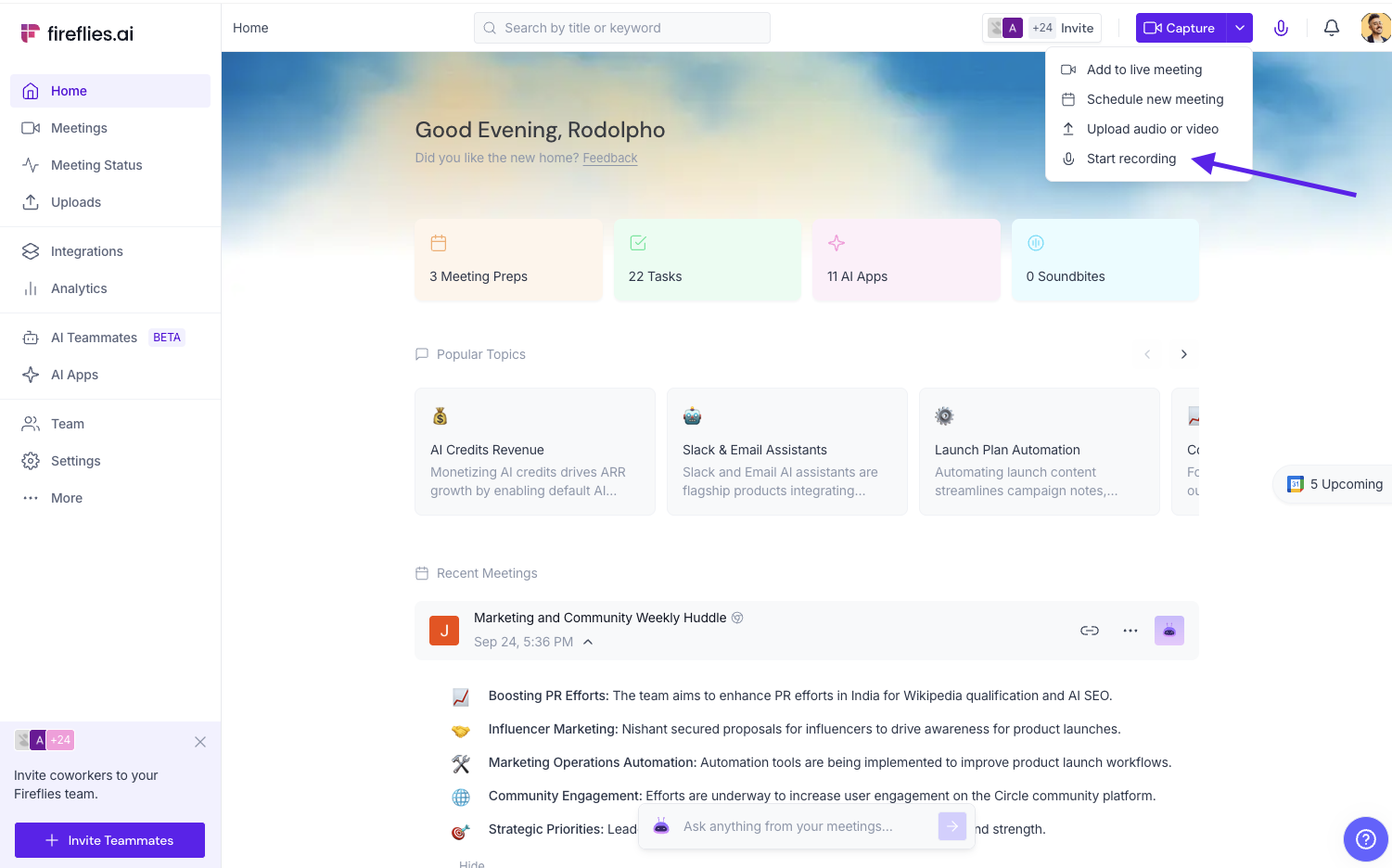
You connect your calendar → Fireflies (or “Fred” as the bot is called) auto-joins your meetings. No one has to remember to hit record. It sits there quietly, transcribes everything in real time, tags speakers, and about 3-5 minutes after the call ends, you get:
- A full transcript
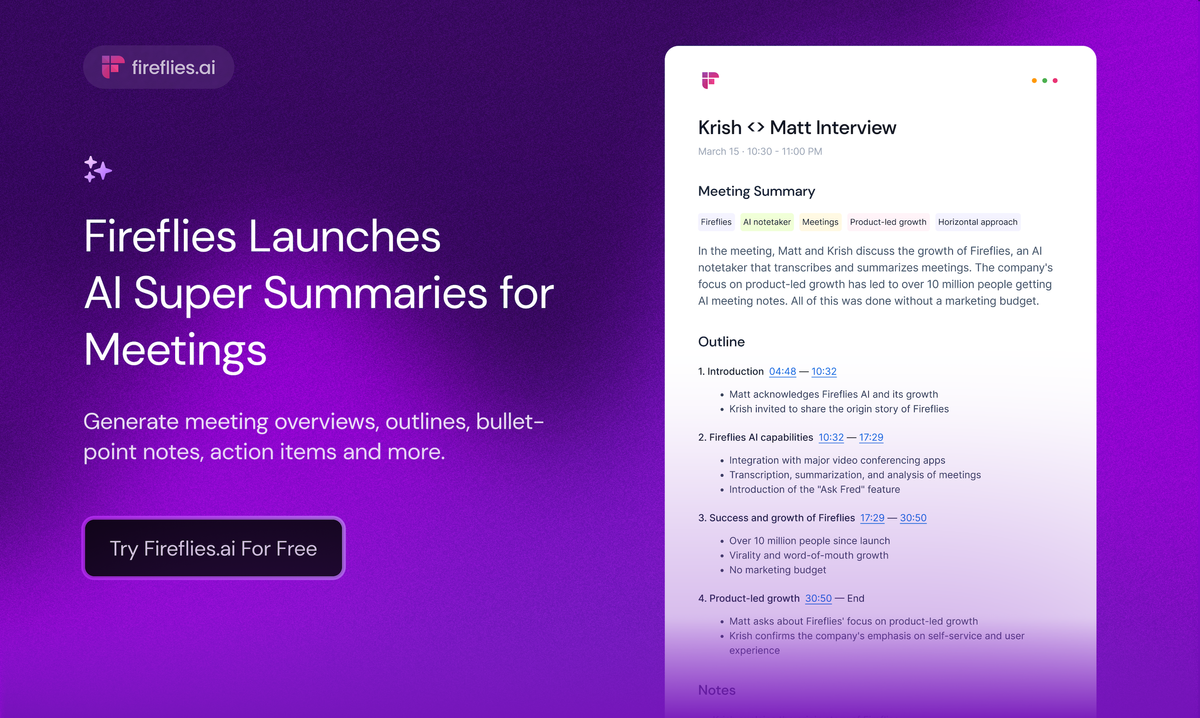
- A smart summary (bullet points, action items, key topics)
- Timestamps you can click to jump straight to that part of the recording
- Speaker talk-time stats (great for coaching calls)
- Searchable keywords across ALL your meetings
The search is so good. Need to find that one time Sarah mentioned the Q1 budget numbers? Just type “Sarah budget Q1” and it pulls up every mention with timestamps. It’s like Ctrl+F for your entire work life.
They rolled out “AI Super Summaries” and “AskFred” this year, and honestly, those two features alone are worth the price of admission. You can literally chat with your meeting history: “What were the objections from the Acme Corp demo last week?” and Fred answers with quotes and timestamps. Feels like magic.
It also works for uploaded audio files, in-person conversations via the mobile app, and even phone calls if you use a supported dialer. Supports 100+ languages now, which is clutch for global teams.
The Stuff It Nails
- Insane time savings – I went from spending 15-30 min recapping every call to basically zero. The summaries are scarily good 90% of the time.
- Action items that actually make sense – It doesn’t just list “John: follow up” — it pulls context: “John to send revised proposal to Acme by Friday EOD (discussed at 23:41)”.
- Conversation intelligence (Business plan and up) – Shows who talks most, who gets interrupted, sentiment trends, filler words. Brutal but useful for sales coaching.
- Integrations are solid – Slack, Salesforce, HubSpot, Notion, Asana; it can auto-post summaries and tasks where you want them.
- The free plan is legitimately usable – Unlimited transcription, just limited AI summaries and 800 minutes of storage. Most people can stay on free forever if they’re light users.
Where It’s Not Perfect (Because Nothing Is)
Look, it’s not flawless.
- Accuracy dips with heavy accents, crosstalk, or bad audio – Still probably 92-95% accurate in good conditions, but I’ve had a couple calls where it butchered names or technical terms. You can edit transcripts manually though.
- The intrusiveness thing is real – If anyone on your team uses Fireflies, Fred can start auto-joining calls you never invited him to. Freaked me out the first time. Fix: go to settings and restrict it to only your meetings.
- Free tier summary limits – You get limited AI Super Summaries. After you burn through them, you either wait for next month or upgrade.
- Video recording only on Business+ – Pro plan gives audio only. Kind of annoying if you rely on seeing faces/expressions.
- Cancellation/support horror stories – A chunk of negative Trustpilot reviews are people raging about billing issues or Fred crashing their meetings. I personally never had problems, but clearly some folks have.
Overall though? G2 has it at 4.8/5 from hundreds of reviews, Trustpilot 4.5/5. The positives massively outweigh the negatives for most power users.
2025 Pricing Breakdown (No Surprises)
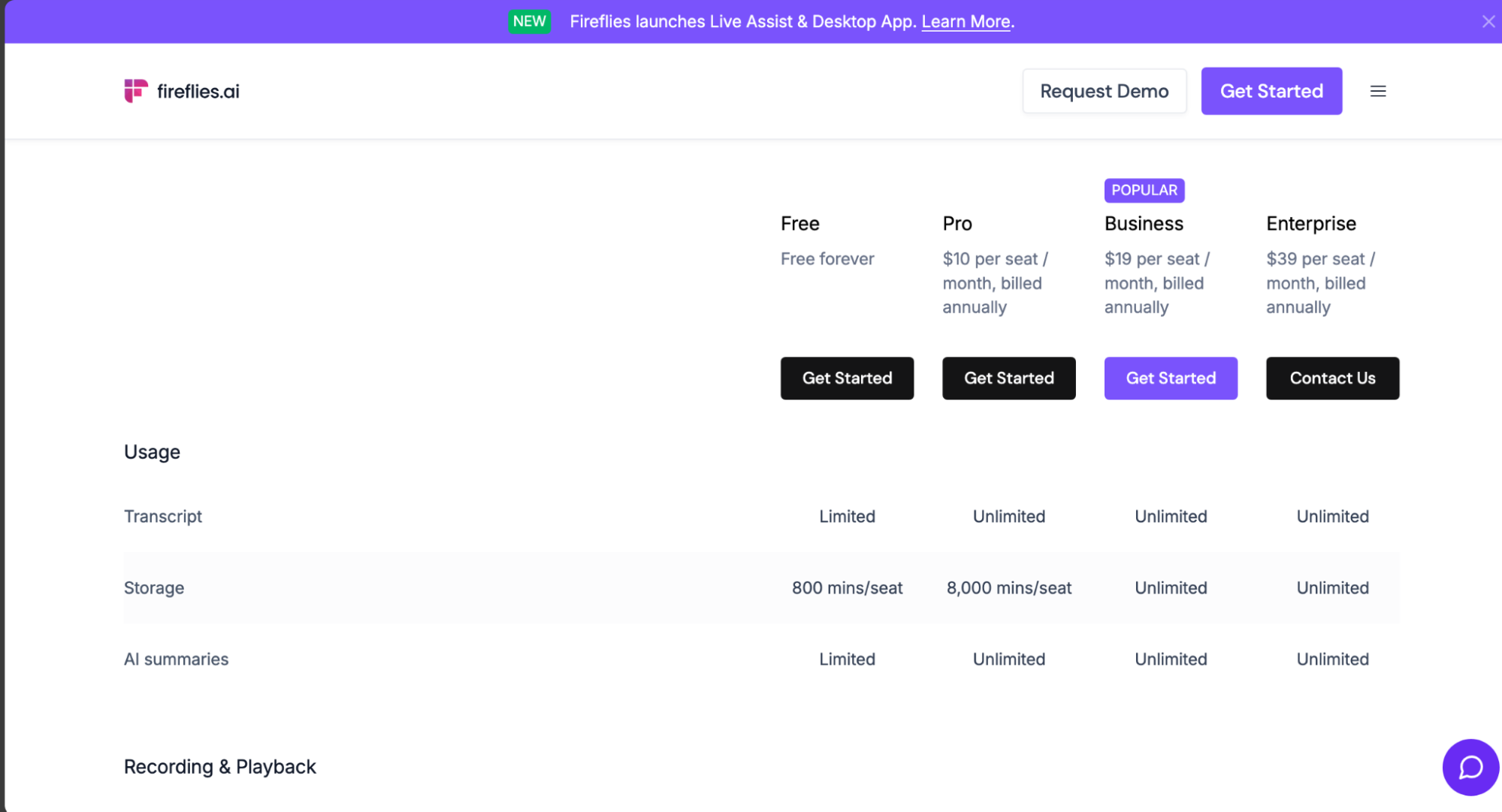
– Free → $0 forever. Unlimited transcription, limited AI summaries, 800 min storage. Perfect for solo users or testing.
– Pro → $10/mo billed annually ($18 monthly) — unlimited everything except video recording and advanced analytics. This is the sweet spot for most people.
– Business → $19/mo annual ($29 monthly) — video recording, team insights, unlimited storage. Go here once you have 3+ people using it.
– Enterprise → $39/mo annual + custom stuff (SSO, private storage, dedicated support).
I’m on Pro, and it’s the easiest $10 I spend every month.
Who Actually Needs This
– Sales teams (objection tracking + CRM auto-logging = gold)
– Recruiters (candidate interviews get summarized perfectly)
– Managers who hate writing meeting notes
– Consultants/client-facing folks who need to share recaps fast
– Anyone who’s ever said “wait, what did we decide about X?”
If you’re in fewer than 5 meetings a week, you might be fine with manual notes or Otter’s free tier. If you live in meetings? Fireflies will give you hours of your life back every single week.
AI Tech Ratings: 9.0/10
Fireflies.ai is an essential tool for any white-collar professional who values their time and needs to maintain perfect recall of their conversations.
It’s a powerful, standalone AI solution that directly addresses the pain of meeting fatigue. The killer feature is the ability to search and analyze your meetings, turning them from a time sink into a strategic asset.
If you’re ready to stop taking notes and start focusing on the conversation, Fireflies.ai is the answer.
Final Verdict
I was skeptical at first; another AI notetaker, big deal. But Fireflies is the first one that actually feels smarter than me at remembering stuff. The accuracy + search + AskFred make it head-and-shoulders above the competition for my workflow.
Start with the free plan. Let Fred join your next three calls and see if you ever want to go back to taking notes yourself. Trust me, you won’t.
Try Fireflies here: https://fireflies.ai
(Not sponsored — I just really like not hating meetings anymore.)
About the Author